AI-powered interactive installations turn audience participation into changing visuals. A camera feed, a drawing or another input can become part of the content on screen. This guide explains how these experiences work, shows examples from Cre8mania’s GENER8 projects and outlines what to prepare before production.
What is an AI-powered interactive installation?
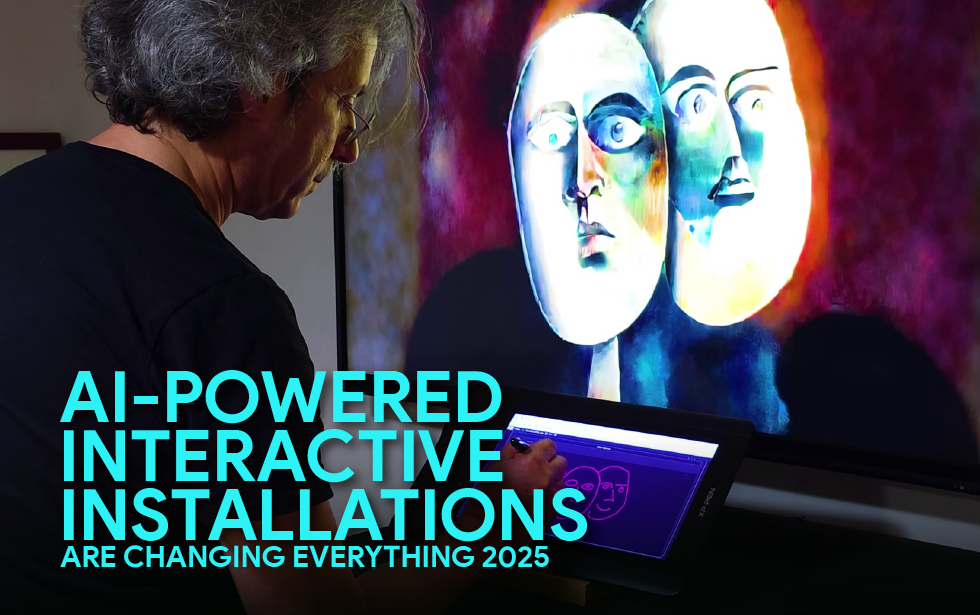
It is a digital experience that uses an AI model to generate or transform content in response to an input. For example, a visitor’s live video can be reinterpreted in a different visual style, or a drawing can become a generated image.
Interactivity does not always require AI. A motion sensor triggering a pre-produced animation is interactive, but it does not necessarily use an AI model. AI becomes useful when generating or interpreting content is part of the creative idea.
How does the experience work?
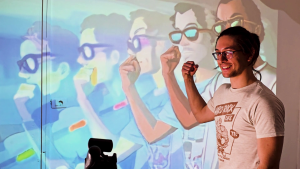
A typical installation connects three elements: an input such as a camera or drawing interface, software that processes that input, and an output such as a screen or projection. The creative direction defines what visitors can do and how their actions change the result.
The production team also needs to manage response time, image quality and transitions between participants. A system can respond to visitors without learning continuously from them or identifying their emotions. Those are separate capabilities and should never be assumed.
Examples from Cre8mania’s GENER8 installations
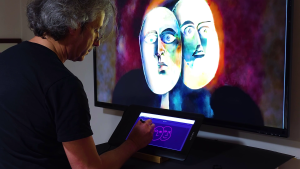
GENER8 explores how people can participate in AI-generated visuals. These projects show different ways to connect a simple interaction with a visible creative result.
Live video transformation
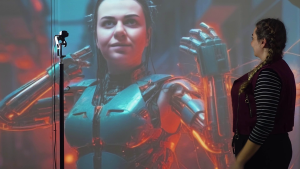
In GENER8 AI Live Video, a live camera feed is transformed through AI. The participant can see their presence become part of the visual experience as it unfolds.
Photorealistic portraits
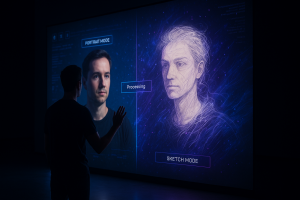
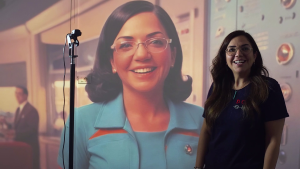
The GENER8 Photorealistic AI Installation explores portrait generation. The visual direction helps connect the generated result with the creative world of the activation.
Live drawings
GENER8 AI Live Drawings gives drawing a role in the interaction. The focus is on making the relationship between the participant’s input and the generated output easy to understand.
What should go into the project brief?
- Purpose: what should visitors understand, explore or create?
- Interaction: what will people do, and how will they know where to start?
- Audience flow: how many people need to participate, and how long can each session last?
- Creative direction: what visual styles, brand assets and content boundaries should guide the output?
- Venue: what space, lighting, screens, power and connectivity are available?
- Delivery: when can the team test on site, and who will operate the experience?
Agree in advance whether camera images or generated outputs are stored or shared. Clear visitor information and a defined data-handling approach should be part of the experience design.
What needs testing before launch?
Test the interaction with people who have not seen it before. Check whether the instructions are clear, the response feels quick enough and the experience resets properly for the next participant. Review generated outputs against the creative brief and plan what the screen should show if generation is delayed or connectivity is interrupted.
Participation, completed sessions and waiting time can help evaluate an activation when measured appropriately. An AI component alone does not guarantee stronger engagement; the interaction, content and operating conditions all matter.

Develop an installation around your idea
Explore our AI-driven content services for generative visuals and our digital installations services for interactive experiences. To discuss a project, send us your brief with the venue, audience, intended interaction and delivery date.
For the broader context, compare digital, interactive and immersive installation formats, including experiences that do not use AI.